Organization Settings
Organization settings control your company information and basic configuration in SAR Portal.
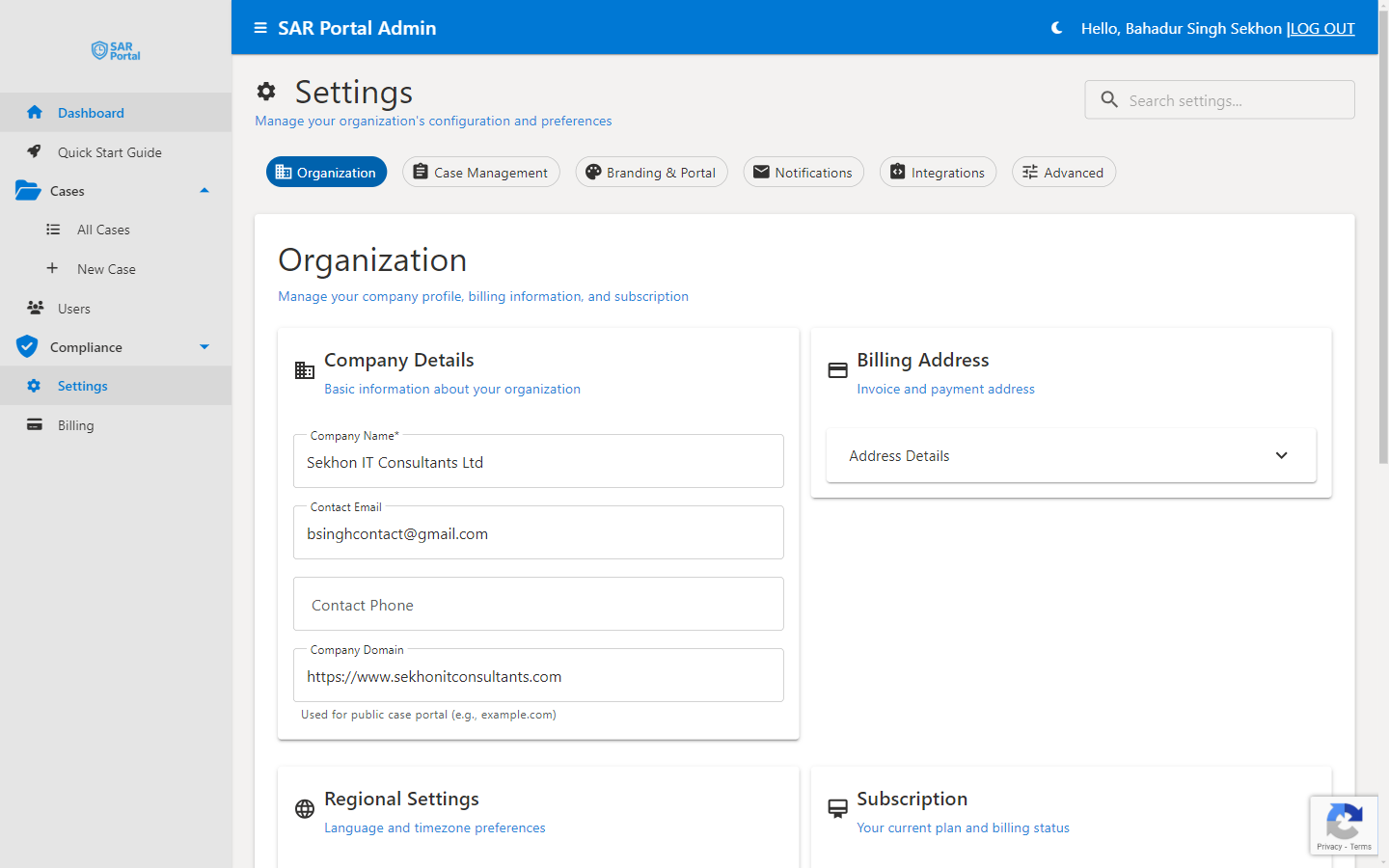
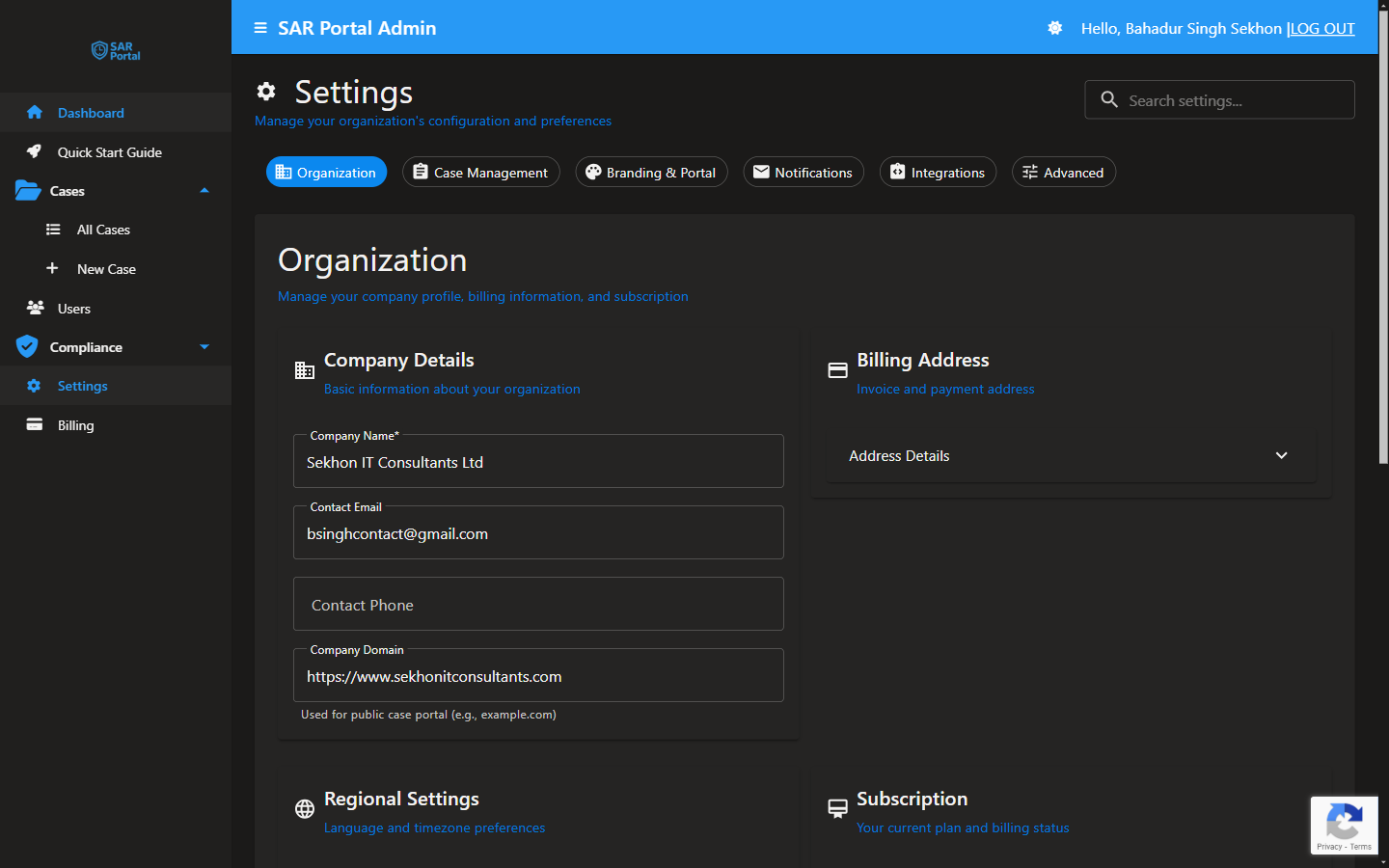
Accessing Settings
- Click Settings in the sidebar
- Select the Organization tab
- Make your changes
- Click Save Changes
Company Details
Company Name
Your organization’s legal name.
- Displayed in the public portal
- Used in email communications
- Appears in legal documents
Contact Email
Primary email for your organization.
- Used for system notifications
- May be shared with data subjects
- Should be actively monitored
Contact Phone
Optional phone number.
- For business contact purposes
- Not shared with data subjects by default
Billing Address
Address Details
Your organization’s billing address.
- Used for invoices
- Required for VAT purposes
- Updates reflected in Stripe
Country
The country where your organization is based.
- Affects VAT calculations
- Determines data residency preferences
- Set during registration
VAT Number
Optional VAT number for B2B invoicing.
- Required for reverse charge in EU
- Validated automatically
- Appears on invoices
Settings Tabs Overview
The Settings page has multiple tabs:
| Tab | Purpose |
|---|---|
| Organization | Company details and billing |
| Case Management | Default case settings |
| Branding & Portal | Logo, colors, portal config |
| Notifications | Email notification settings |
| Integrations | API and third-party connections |
| Advanced | Technical and retention settings |
Organization Settings Best Practices
Keep Information Current
- Update address when you move
- Change contact email if responsibilities change
- Ensure VAT number is valid
Use Official Details
- Match your legal registration
- Use your trading name consistently
- Ensure consistency across systems
For Multiple Locations
- Use your primary/headquarters address
- Or the address responsible for data protection
- Consistency is key
Related Settings
- Branding & Portal - Customize appearance
- Notifications - Email settings
- Integrations - Connect services